In ClearWork, KPIs aren’t an afterthought. During automated discovery, you click one button to generate KPIs aligned to your project. Interviews validate them with real input. Then governance keeps them current—with owners, scheduled reviews, approvals, version history, and dashboarding over time.
If your KPIs don’t match reality, your dashboard is just a very confident guess.
Most KPIs don’t fail because teams don’t care. They fail because the metrics aren’t grounded in the workflow, definitions drift over time, and nobody owns the “keep it current” work. So the dashboard looks polished… but the KPI isn’t trustworthy.
KPIs get picked in meetings
Not based on how work actually happens.
Definitions are fuzzy
“What counts?” changes depending on who you ask.
No owner, no upkeep
Metrics go stale when nobody’s accountable.
Processes change, KPIs don’t
The metric stops matching reality.
Feedback is scattered
KPI updates live in emails and side conversations.
Dashboards track numbers, not truth
The chart updates even when the KPI definition is wrong.
ClearWork treats KPIs like living artifacts: generate them from discovery, validate them with SMEs, then govern changes over time.
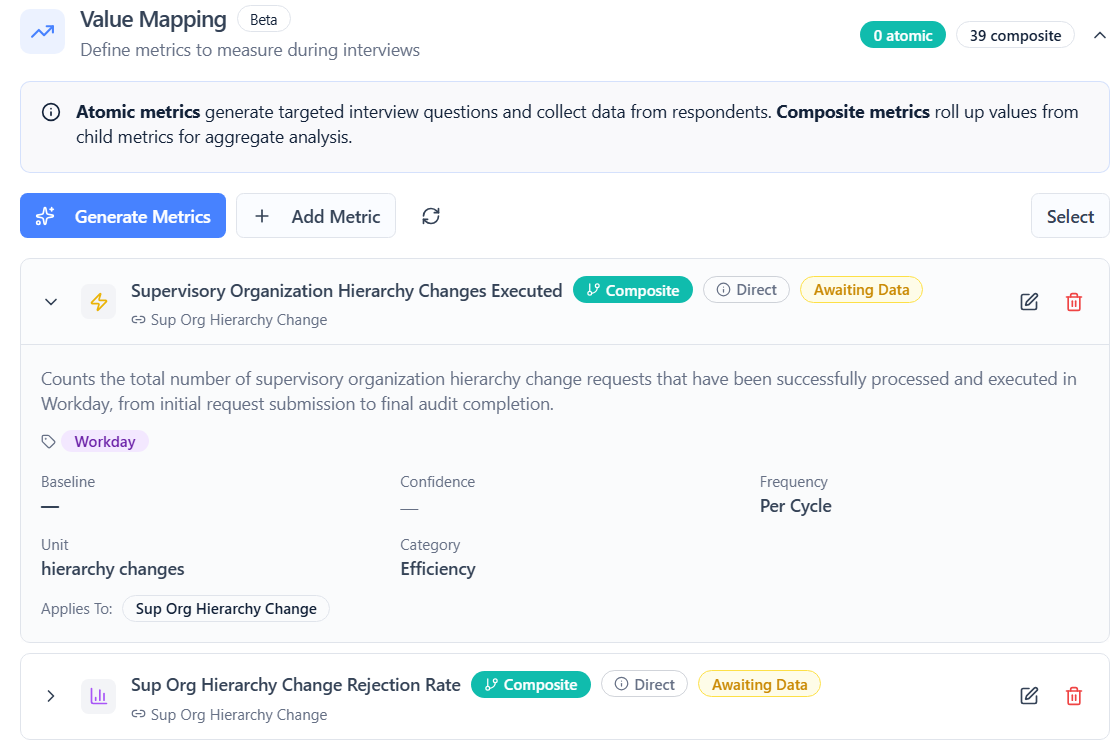
While setting up automated discovery, you can click a button to generate KPIs aligned to the scope of your project—process areas, steps, roles, and outcomes. ClearWork creates a draft KPI set so you’re not starting from scratch.
You can edit and tailor everything—so the KPIs match your organization, your terminology, and your goals.
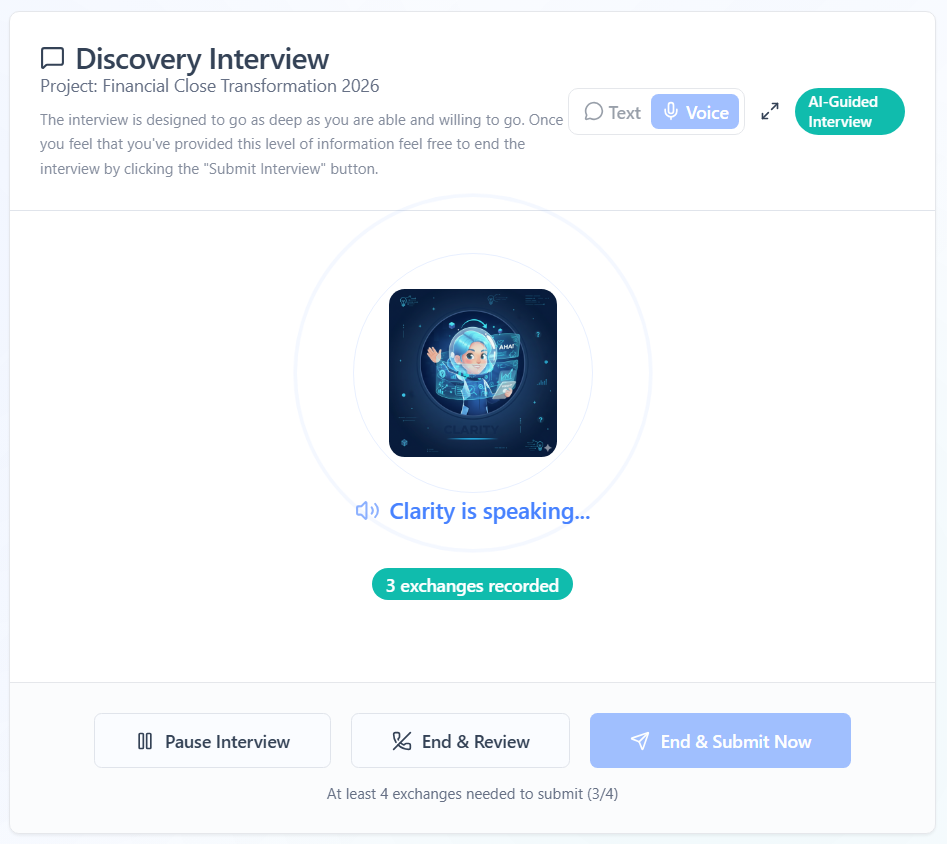
Once the KPI set exists, ClearWork automatically includes KPI-related questions inside the asynchronous interviews. Respondents are asked to provide their input on the KPI—for example: how long does it take them to complete a task, how many errors occur on average, etc.
Then the system aggregates the data to create the KPI with full input traceability.
Once KPIs are validated, publish them and run a lightweight governance loop: owners are assigned, SMEs review on a schedule, AI summarizes feedback, and the owner approves or rejects changes. Every update is versioned and visible.
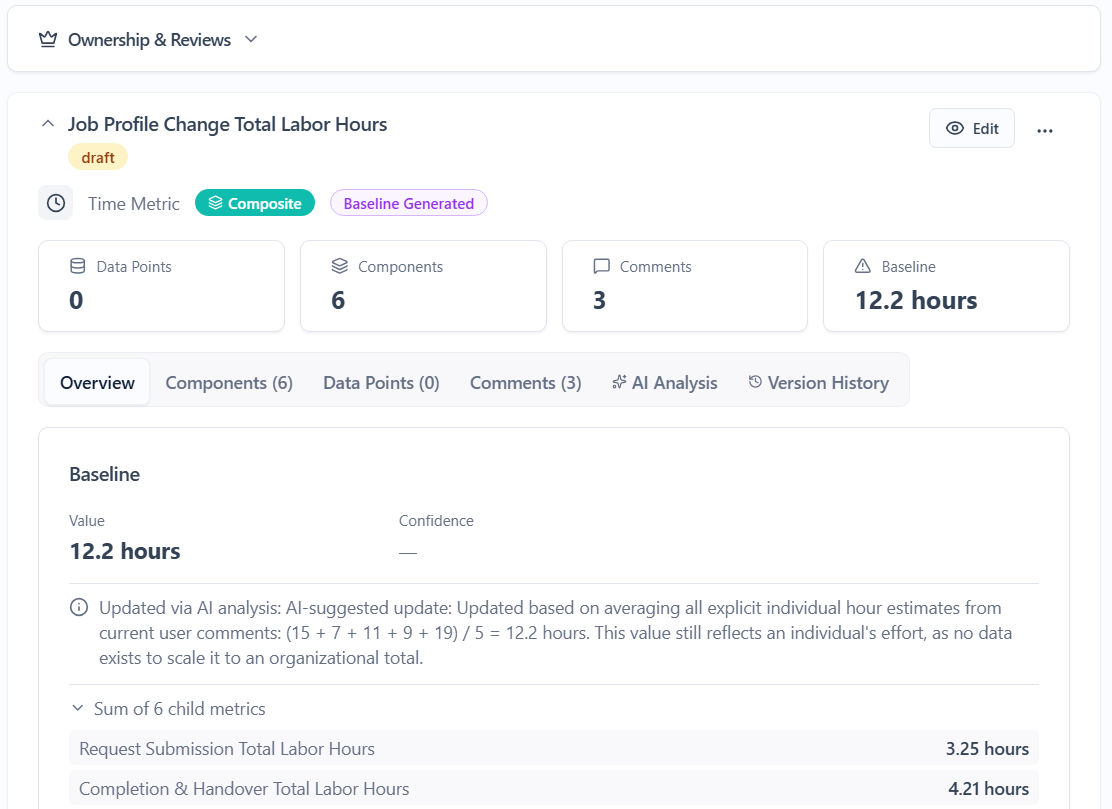
ClearWork gives you more than a list of metrics. You get a governed KPI system tied to real process discovery—so definitions stay accurate as operations change.
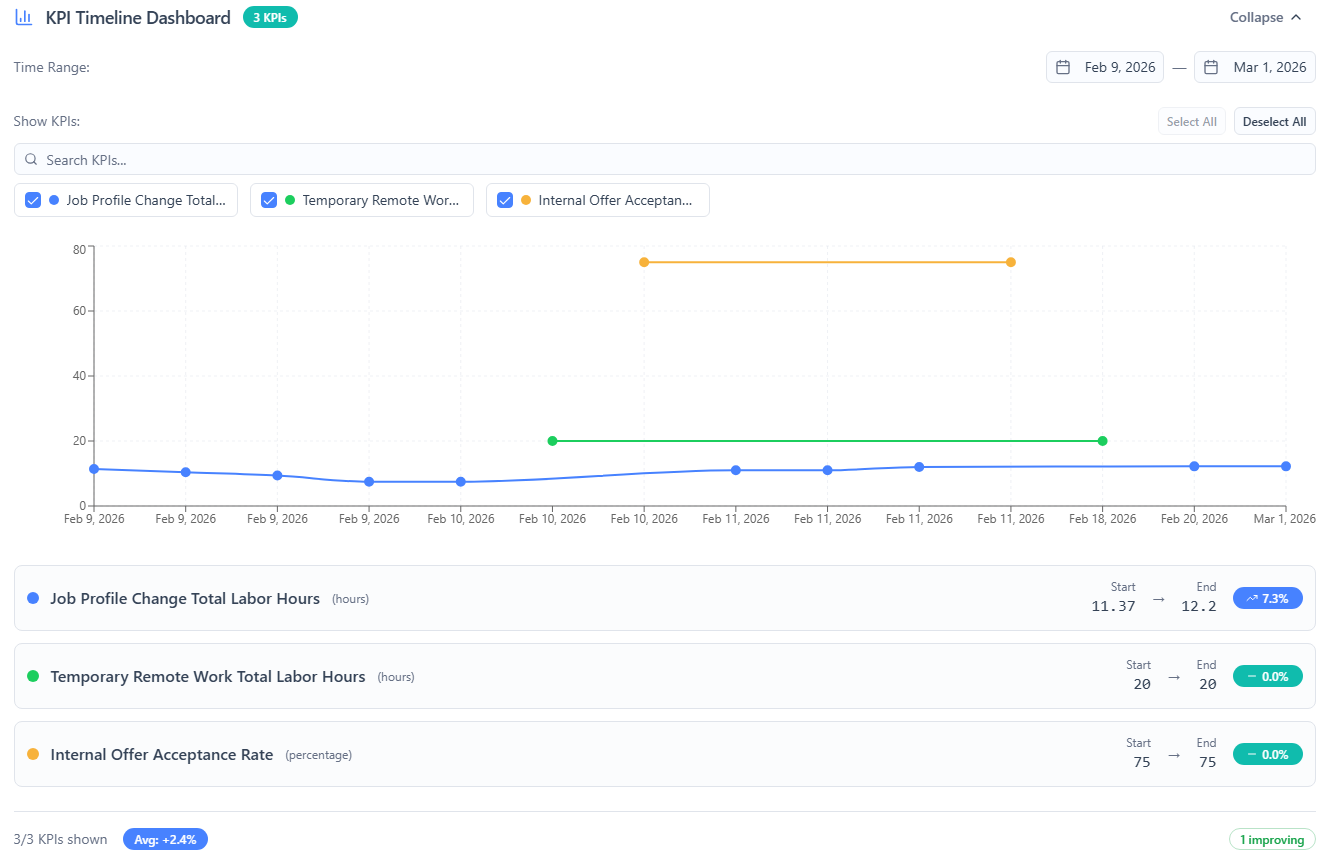
A KPI is only useful if everyone agrees on what it means and keeps it current. ClearWork solves the hard part: grounding KPIs in discovery inputs, validating definitions with SMEs, and making governance automatic.
Spreadsheet KPI list
Unowned, stale, unclear definitions
ClearWork KPI detail
Owner, cadence, evidence, version history
This is the loop high-performing teams run—ClearWork just makes it automatic.
If your KPI list changes every quarter but nothing improves… start here.
Maintain standards and improvement programs.
Need KPIs tied to real workflows.
Measuring outcomes across initiatives.
Delivering discovery + measurable value.
Tracking impact and adoption over time.
ClearWork helps you generate and govern KPI definitions and tracking structure. ClearWork defines and governs the KPI framework and tracking approach, with owners and review cadence.
Yes. KPIs are generated as drafts and are fully editable—name, definition, calculation notes, owner, cadence, and supporting context.
KPI questions are automatically included in the asynchronous interviews. SMEs confirm relevance, clarify definitions, and provide baseline/target context. Their inputs are analyzed and reflected in the KPI definitions.
KPIs have owners, scheduled review requests go out to SMEs, AI summarizes feedback and recommends changes, and the owner approves or rejects updates. Everything is versioned.
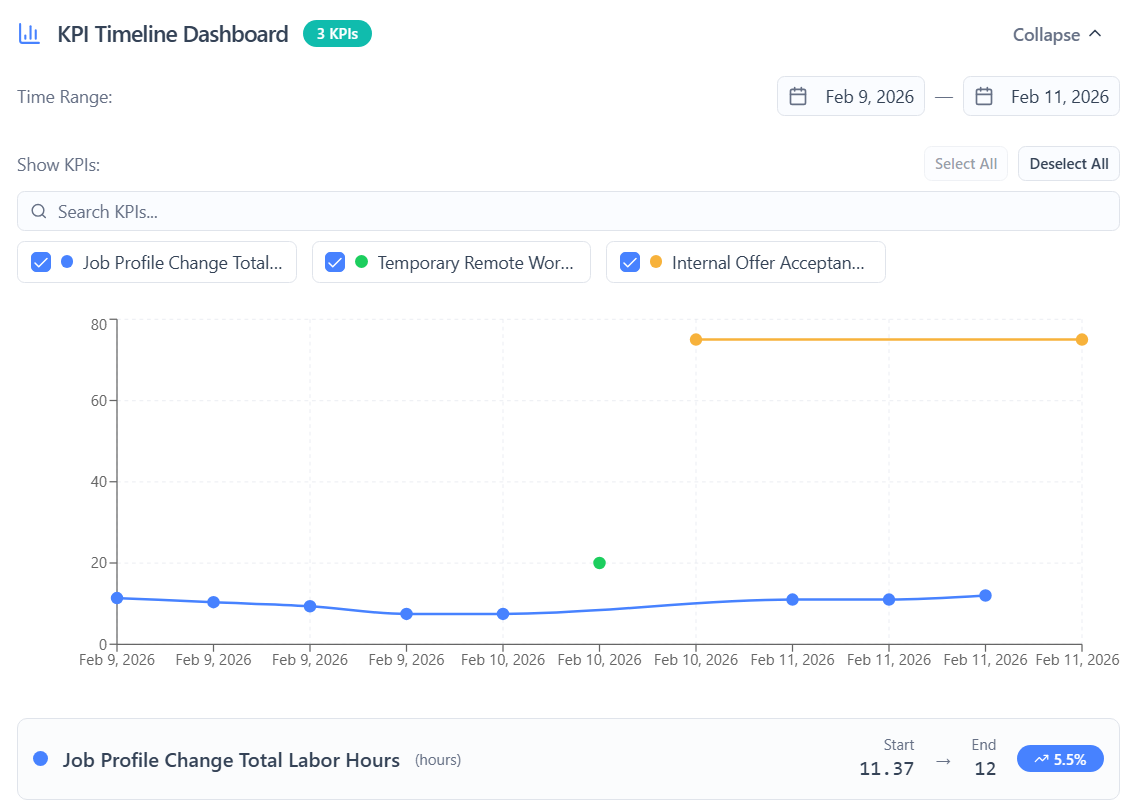
Yes. ClearWork maintains version history and KPI dashboarding so you can track trends and definition changes over time.
Yes. Ownership assignments and collaboration schedules are built into the workflow.
That’s the point: the KPI governance loop prompts review, collects feedback, and updates KPI definitions with approvals and version history.
Data sent to third-party AI providers is NOT used for model training. We enforce zero client-side AI API exposure and complete encryption.
Generate KPIs from discovery with one click. Validate them through interviews.
Then govern and track them over time—with owners, approvals, versions, and dashboards.
Explore Related Capabilities