Compare the best BPM software for 2026. See features, governance, AI readiness, and how process excellence teams choose the right BPMS.
If you lead process excellence or process transformation, you already know the pattern:
- A team agrees on a process in a workshop
- Someone builds it in a BPM/workflow platform
- Adoption stalls, exceptions explode, and the “official process” quietly diverges from reality
- Six months later, you’re back in discovery—again
In 2026, the best BPM programs are winning for one simple reason:
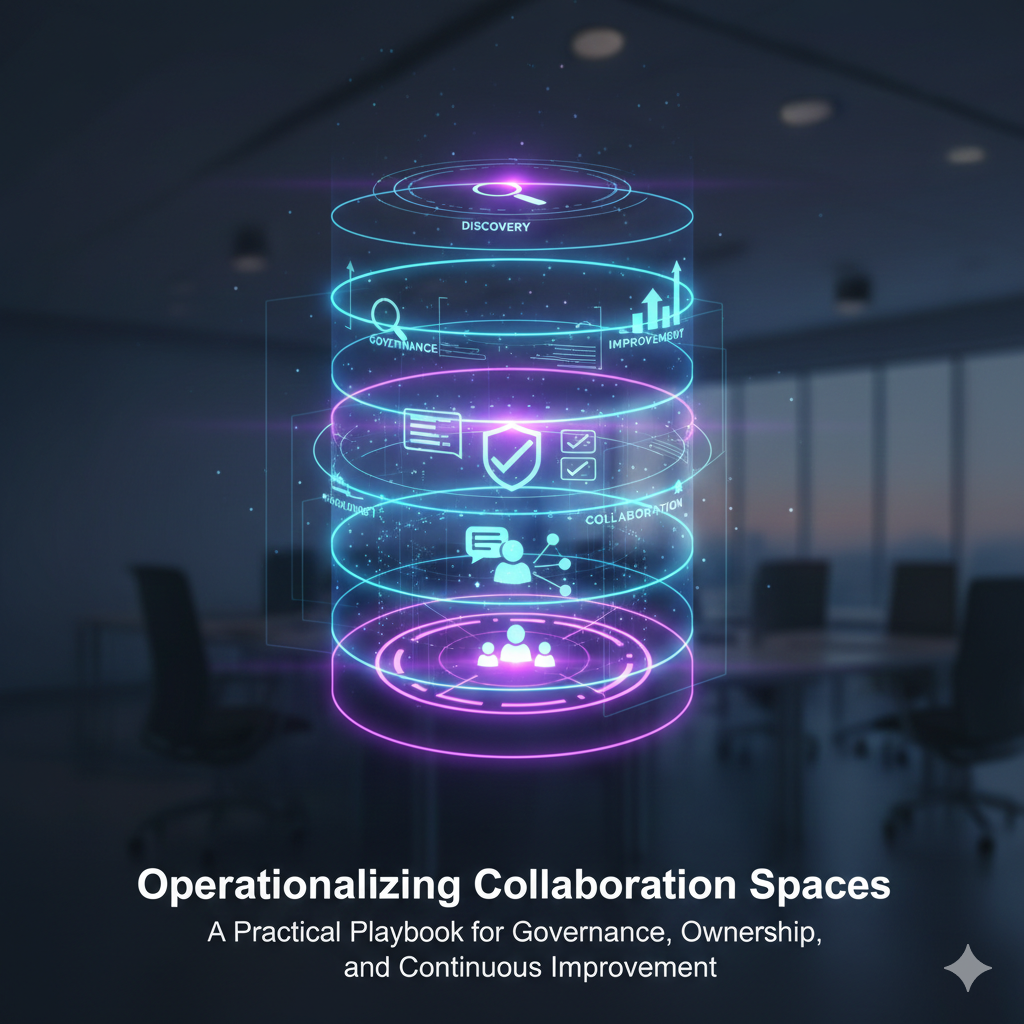
They treat BPM software as the execution layer, and they invest just as much in the discovery layer that defines what should be executed.
AI has made it easier to automate and orchestrate workflows—but it has not eliminated the hardest part of BPM: capturing the real current state (including variants and exceptions), aligning stakeholders, and translating reality into requirements that don’t produce rework.
This guide compares leading BPM software platforms for 2026, highlights what’s changed with AI, and gives you a fast decision framework designed specifically for process excellence and transformation teams.
Quick picks (the shortlist)
If you’re evaluating quickly, here’s the fastest way to think about the field:
- Best overall foundation for BPM success (Automated Discovery + Process Intelligence): ClearWork
- Best enterprise low-code BPM suite (large-scale process + case automation): Appian
- Best enterprise automation platform for complex workflows + decisioning: Pega
- Best for IT workflow-heavy organizations and enterprise workflow standardization: ServiceNow
- Best Microsoft-first automation footprint across departments: Microsoft Power Platform
- Best developer-first process orchestration backbone (BPMN/DMN): Camunda
- Best mid-market “business-friendly” BPM + process apps: Kissflow
- Best for document-to-process automation programs: Nintex
- Best BPMN-friendly modeling-to-automation path for many teams: Bizagi
- Best for teams wanting BPM with strong forms + workflow building: ProcessMaker
- Best for legacy enterprise automation suites: IBM Business Automation Workflow
No single tool is perfect. The right answer depends on your environment, governance maturity, and whether you need automation, orchestration, case management, compliance, or all of the above.
What is BPM software (and what it isn’t)?
BPM software (business process management software) helps organizations design, automate, execute, monitor, and improve business processes end-to-end.
In practical terms, BPM platforms typically provide:
- workflow automation (tasks, routing, approvals)
- forms and data capture
- rules / decisioning (sometimes)
- integrations (APIs, connectors)
- audit trails and governance
- analytics (cycle time, bottlenecks, SLA adherence)
- sometimes: case management for exceptions
BPM vs workflow automation vs process orchestration (the simplest explanation)
These categories overlap, but they matter when you’re choosing a platform:
- Workflow automation software
Great for routing work and approvals (especially departmental workflows). Not always designed for enterprise-scale governance, complex cases, or deep process intelligence. - BPM software / BPMS
A broader suite for managing the full process lifecycle—more governance, auditability, and enterprise capabilities. - Process orchestration platforms
Often developer-first. Strong when your “process” coordinates services, microservices, events, and systems—not just people clicking through tasks. - Digital process automation (DPA)
A modern umbrella term—often BPM + low-code + automation accelerators.
If you’re a process excellence leader, the key question isn’t “which label is correct?” It’s:
Will this platform let us standardize and improve processes across the organization—and prove it with measurable outcomes?
What changed in 2026 (and why BPM buying criteria shifted)
1) AI is everywhere—but “automation without truth” still fails
Most platforms now offer copilots, assistants, or AI features that help build workflows faster. That’s valuable.
But if your process definition is wrong (or incomplete), AI just helps you scale the wrong thing faster.
In 2026, buyers are prioritizing:
- faster process design
- better exception handling
- governance and traceability
- measurable outcomes
- and—crucially—ground truth discovery before execution
2) Process excellence teams are being held to outcomes, not deliverables
Executives are less impressed by “we mapped 37 processes.” They want:
- cycle time reduction
- lower rework
- fewer escalations and exceptions
- stronger compliance
- higher throughput without headcount growth
That shifts BPM selection toward platforms that can:
- measure performance
- connect work to outcomes
- and sustain improvements over time
3) “Living process documentation” is now a baseline expectation
Processes drift. Teams change. Systems update. Exceptions evolve.
The strongest BPM programs now pair:
- a BPM execution layer with
- a discovery and process intelligence layer that keeps the documentation aligned with reality
This is why Automated Discovery is showing up earlier in the transformation stack.
How we evaluated BPM platforms (2026 rubric)
To keep this useful for process excellence teams, we evaluated tools against criteria that matter in real transformations:
- Time to value (how fast you can ship a working process)
- Workflow strength (routing, SLAs, approvals, human tasks)
- Case management (exceptions, non-happy paths, knowledge work)
- Decisioning (rules, decision tables, complex routing)
- Integration depth (APIs, connectors, events, iPaaS fit)
- Governance (versioning, approvals, audit trail, controls)
- Analytics (cycle time, bottlenecks, compliance, performance)
- AI readiness (assist, recommendations, summarization, automation)
- Enterprise fit (security, admin model, scalability)
- Process excellence fit (standardization, continuous improvement, adoption)
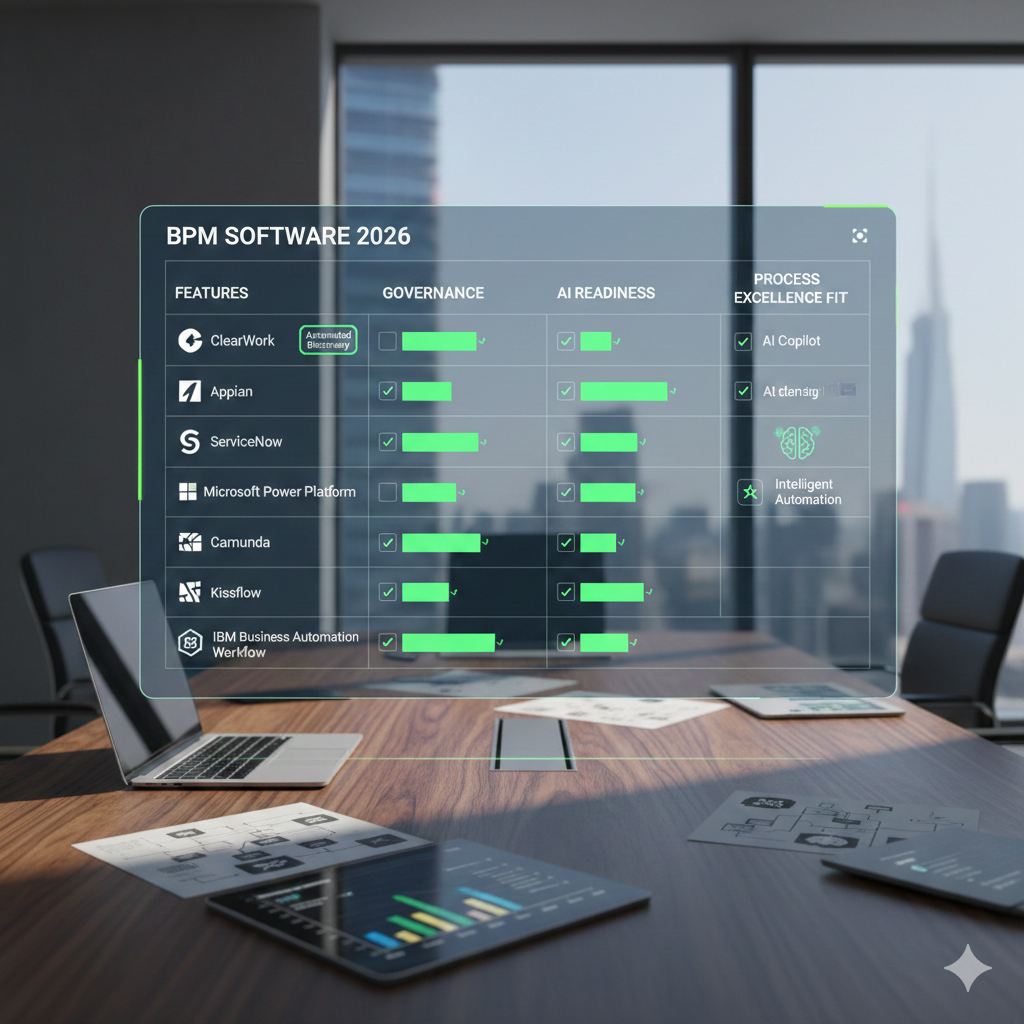
BPM Software 2026: Comparison (process excellence & transformation)
| Platform |
Best for |
Strengths |
Trade-offs / watch-outs |
| ClearWork (Automated Discovery) Best overall foundation |
Getting the process right before automation |
Fast, reality-based current state; surfaces variants/exceptions; creates implementation-ready inputs |
Not the workflow engine itself; pairs with your BPMS |
| Appian |
Enterprise low-code BPM + case management |
Strong enterprise automation + rapid app delivery |
Platform breadth can increase governance/enablement needs |
| Pega |
Complex decisioning + enterprise automation |
Powerful for rules + case-heavy processes |
Can be heavy to implement without strong discipline |
| ServiceNow |
IT/workflow-heavy organizations and enterprise workflow standardization |
Strong platform footprint; governance and shared services fit |
Best when aligned to ServiceNow operating model |
| Microsoft Power Platform |
Microsoft-first automation footprint across departments |
Massive adoption; fast wins; strong ecosystem |
Governance is mandatory to avoid sprawl |
| Camunda |
Developer-first process orchestration backbone (BPMN/DMN) |
Strong standards; great for orchestration and execution logic |
Not a “business-user-first” BPM suite |
| Bizagi |
BPMN-friendly modeling-to-automation path for many teams |
Good blend of modeling and automation |
Varies by org maturity and rollout approach |
| Nintex |
Document-to-process automation programs |
Strong for forms, documents, and automation programs |
Watch governance and process architecture depth |
| Kissflow |
Mid-market “business-friendly” BPM + process apps |
Fast build; approachable for business users |
Enterprise depth may vary vs larger suites |
| ProcessMaker |
Teams wanting BPM with strong forms + workflow building |
Good for building and deploying process apps quickly |
Enterprise architecture and governance depends on implementation |
| IBM Business Automation Workflow |
Legacy enterprise automation suites |
Mature suite for large enterprises |
Modern adoption patterns can be slower without a clear plan |
| Oracle (enterprise BPM footprint) |
Oracle-centric environments |
Strong when tightly aligned with Oracle stack |
Best value often depends on existing Oracle strategy |
Note: Features evolve quickly. Use this as a shortlisting lens, then validate against your use cases, governance model, and integration requirements.
Platform deep-dive (top tools for 2026)
Below is a skimmable breakdown using a consistent format: Overview → Best fit → Strengths → Trade-offs → When to choose it.
1) ClearWork Automated Process Discovery (foundation for BPM success)
Overview: ClearWork isn’t trying to be “another BPMS.” It’s the layer that makes BPM implementations actually work—by grounding the process definition in reality before you automate.
Best fit: Process excellence and transformation teams who are tired of:
- incomplete current state documentation
- requirements rework
- missed variants and exceptions
- “the process we built isn’t how people work” outcomes
Strengths:
- Faster, more objective current-state capture than workshop-only discovery
- Better visibility into how work happens across roles, steps, and variants
- Produces structured discovery outputs that feed BPM design and backlog creation
- Makes governance easier because you can trace decisions back to real operational context
Trade-offs:
- It’s not the workflow runtime—pair it with your BPMS of choice
- The value depends on actually using it to anchor decision-making (not as an afterthought)
When to choose it: If you want BPM to deliver outcomes faster with less rework, start with ClearWork as the discovery foundation—then execute in the BPMS that matches your environment.
2) Appian (enterprise low-code BPM + case)
Overview: Appian is a strong enterprise automation platform that blends low-code app delivery with process automation and case management.
Best fit: Enterprises building cross-functional workflows where you need:
- case management
- integration across systems
- governance and auditability
- rapid app + workflow delivery
Strengths:
- Strong automation and case capabilities
- Good for enterprise-grade workflows that span multiple systems
- A credible “platform” when process is tied to apps and data
Trade-offs:
- Enablement matters—without a Center of Excellence (CoE), complexity and inconsistency creep in
- Platform rollouts need governance to avoid fragmented solutions
When to choose it: When you need enterprise-grade automation with strong case management and low-code app delivery.
3) Pega (decisioning-heavy enterprise automation)
Overview: Pega is often chosen when processes are complex, exception-heavy, and driven by rules and decisioning.
Best fit: Organizations with high-volume, high-variation operational processes (think service, claims, compliance workflows).
Strengths:
- Powerful decisioning and case management
- Strong for complex workflows with many exceptions and policies
- Built for scale in the right environments
Trade-offs:
- Implementations can be heavy without strong governance and a disciplined operating model
- Best ROI comes when you commit to process standardization—not one-off builds
When to choose it: When decisioning and exception handling are central to the value.
4) ServiceNow (workflow standardization + enterprise workflow footprint)
Overview: ServiceNow is often the backbone for enterprise workflow standardization—especially for IT workflows and shared services.
Best fit: Organizations already invested in ServiceNow as an operating platform and looking to expand workflow management into broader enterprise processes.
Strengths:
- Strong platform footprint and governance patterns
- Works well when aligned to an enterprise workflow operating model
- Good for standardization across service-driven workflows
Trade-offs:
- Best fit often depends on how deeply you’re standardizing around ServiceNow
- Governance is essential to maintain consistency across teams
When to choose it: When you’re consolidating enterprise workflow execution on a single platform.
5) Microsoft Power Platform (department-to-enterprise automation)
Overview: In Microsoft-heavy environments, Power Platform can be the fastest route to value—especially for teams modernizing manual workflows.
Best fit: Organizations that need quick wins across many departments, with the ability to scale governance over time.
Strengths:
- Low barrier to adoption and broad availability
- Great for fast automation pilots and departmental workflows
- Strong ecosystem fit for Microsoft shops
Trade-offs:
- Governance is non-negotiable—without it, you’ll get automation sprawl
- Complex orchestration and enterprise process architecture may require additional layers
When to choose it: When speed and broad adoption matter most—and you can commit to governance.
6) Camunda (process orchestration backbone)
Overview: Camunda is a strong choice when BPM is about orchestrating systems and services using standards like BPMN/DMN.
Best fit: Developer-first teams orchestrating complex processes across multiple systems where execution logic matters.
Strengths:
- Strong standards-based modeling and orchestration
- Great for event-driven and service-driven process execution
- Clear fit for modern architecture orchestration needs
Trade-offs:
- Less “business-user-first” compared to low-code BPM suites
- Often requires stronger engineering involvement and operating model clarity
When to choose it: When BPM is about orchestration and execution logic more than business-led workflow building.
7) Bizagi (modeling-to-automation path)
Overview: Bizagi is often considered by teams who want BPMN modeling strength with a path to automation and deployment.
Best fit: Teams that want a BPMN-centric approach but still need automation and delivery.
Strengths:
- Strong for modeling discipline and process structure
- Helpful for organizations balancing rigor and speed
Trade-offs:
- Rollout success depends heavily on adoption patterns and governance maturity
- Make sure collaboration and lifecycle needs match your organization
When to choose it: When BPMN standardization is important and you want a practical path to automation.
8) Nintex (document + workflow automation programs)
Overview: Nintex is frequently used for workflows tied closely to forms, documents, and departmental automation programs.
Best fit: Organizations with lots of document-heavy processes and a need to streamline approvals and routing.
Strengths:
- Strong for document-centric workflows and automation programs
- Practical for standardizing recurring approval-based processes
Trade-offs:
- Be intentional about process architecture and governance so it doesn’t become a collection of disconnected flows
When to choose it: When your biggest wins are tied to documents, forms, and approval chains.
9) Kissflow (business-friendly BPM)
Overview: Kissflow is often attractive to operations teams who want something approachable and fast.
Best fit: Teams building operational workflows where business ownership is high and time-to-value is the priority.
Strengths:
- Business-friendly workflow building
- Fast deployment for many operational use cases
Trade-offs:
- Validate enterprise governance requirements early (permissions, lifecycle, auditability, complexity)
When to choose it: When business-led teams need speed without a heavy platform rollout.
10) ProcessMaker (workflow + forms + process apps)
Overview: ProcessMaker is commonly evaluated for building process apps with forms, routing, and automation.
Best fit: Teams that want to build and deploy process apps quickly, especially where forms and routing are central.
Strengths:
- Solid process app building model
- Practical for many operational workflows
Trade-offs:
- Ensure your governance, integration, and analytics expectations match the platform
When to choose it: When you need an approachable BPM toolset for building process apps.
11) IBM Business Automation Workflow (enterprise suite)
Overview: IBM’s automation suite is still used in many large enterprises and legacy environments.
Best fit: Organizations with existing IBM automation footprints and enterprise requirements.
Strengths:
- Mature enterprise automation capabilities
- Can be strong when aligned to existing enterprise architecture
Trade-offs:
- Modern adoption and speed-to-value depends on your internal enablement and operating model
When to choose it: When you’re extending an established enterprise automation stack.
How to choose BPM software in 2026 (decision framework for process excellence)
Step 1: Decide what kind of “process” you’re actually automating
- Approval-heavy workflows with clear steps → workflow automation platforms can work well
- Exception-heavy knowledge work → you need strong case management
- System orchestration across services/events → prioritize orchestration platforms
- Enterprise standardization + audit requirements → prioritize governance and lifecycle features
Step 2: Use this decision tree
- We need to reduce rework and define the process correctly first → Start with ClearWork Automated Discovery, then pick the execution platform that fits
- We need enterprise low-code + case automation → Appian / Pega
- We need workflow standardization across shared services → ServiceNow
- We’re Microsoft-first and want fast adoption → Power Platform
- We need developer-first orchestration → Camunda
- We need business-friendly BPM speed → Kissflow / ProcessMaker
- We need document-heavy workflow standardization → Nintex
Step 3: Ask the questions that prevent failure
Before you pick a platform, answer these:
- How will we capture the real current state (including exceptions)?
- How will we translate discovery into requirements and backlog without rework?
- What’s our governance model (CoE, standards, approvals, change control)?
- How will we measure outcomes (cycle time, SLA adherence, rework, throughput)?
- How will we keep process documentation current after go-live?
If you can’t answer these, the platform choice won’t save you.
A practical 30-day rollout plan (process excellence friendly)
Week 1: Choose 2–3 high-impact processes
- Pick processes with measurable outcomes (cycle time, SLA, throughput, compliance)
- Define owners, scope boundaries, and systems involved
Week 2: Run Automated Discovery (don’t skip this)
- Capture current state from real work signals + stakeholder input
- Document variants and exceptions (the real source of rework)
Week 3: Design future state + backlog
- Define the “standard” path + exception handling
- Convert discovery into structured requirements and user stories
- Identify governance checkpoints (approvals, controls, audit needs)
Week 4: Build and launch a thin slice
- Automate the smallest end-to-end segment that proves value
- Measure baseline vs post-launch outcomes
- Establish the continuous improvement cadence
BPM Software FAQs
What is BPM software used for?
BPM software is used to design, automate, run, and improve business processes—often involving routing work across people and systems with governance and measurable outcomes.
What’s the difference between BPM software and workflow automation?
Workflow automation usually focuses on routing tasks and approvals. BPM software typically includes broader lifecycle management, governance, auditability, and often case management and analytics.
What should process excellence teams look for in BPM software in 2026?
Prioritize governance, analytics, exception handling, integration depth, and time-to-value. Most importantly, invest in a discovery approach that prevents rework by grounding the process definition in reality.
How do you measure BPM ROI?
Common metrics include cycle time reduction, fewer exceptions/escalations, improved SLA compliance, reduced rework, higher throughput, and improved audit outcomes.
Why do BPM implementations fail?
The most common reasons: incomplete discovery, weak governance, over-automation of a flawed process, poor exception handling, and lack of measurable outcomes tied to ownership.
Bottom line: the best BPM platform is the one you can sustain—and prove
BPM software is powerful. But in 2026, the winners aren’t the teams with the most workflows. They’re the teams who:
- start with ground truth discovery
- design for exceptions
- govern change
- and measure outcomes relentlessly
If you want BPM to deliver faster with less rework, start by getting the process right.
If you’re exploring an Automated Discovery approach, learn more here:
https://www.clearwork.io/clearwork-automated-discovery