Updated: November 24, 2026
An SOP template is a fixed structure for writing a standard operating procedure: purpose, scope, roles, inputs, steps, exceptions, controls, records, revision history and sign-off. The structure is the easy part. An SOP is only as accurate as what goes into it, so fill it from the people who do the work and keep it current.
A standard operating procedure tells a competent person how to complete one task the same way every time, and what to do when the normal path does not apply. A good template forces the writer to answer the questions a new hire, an auditor or a systems team will ask. Ten sections cover almost every operational SOP:
The two sections most often left thin are exceptions and controls. They are also the two that matter most when something goes wrong, when a system is replaced or when a business changes hands.
Keep each SOP to one procedure with one trigger and one end point. If the steps branch into a different team's work with its own approvals, that is usually a second SOP, linked from the first. Short, linked SOPs are easier to review, easier to keep current and easier for a systems team to turn into requirements.
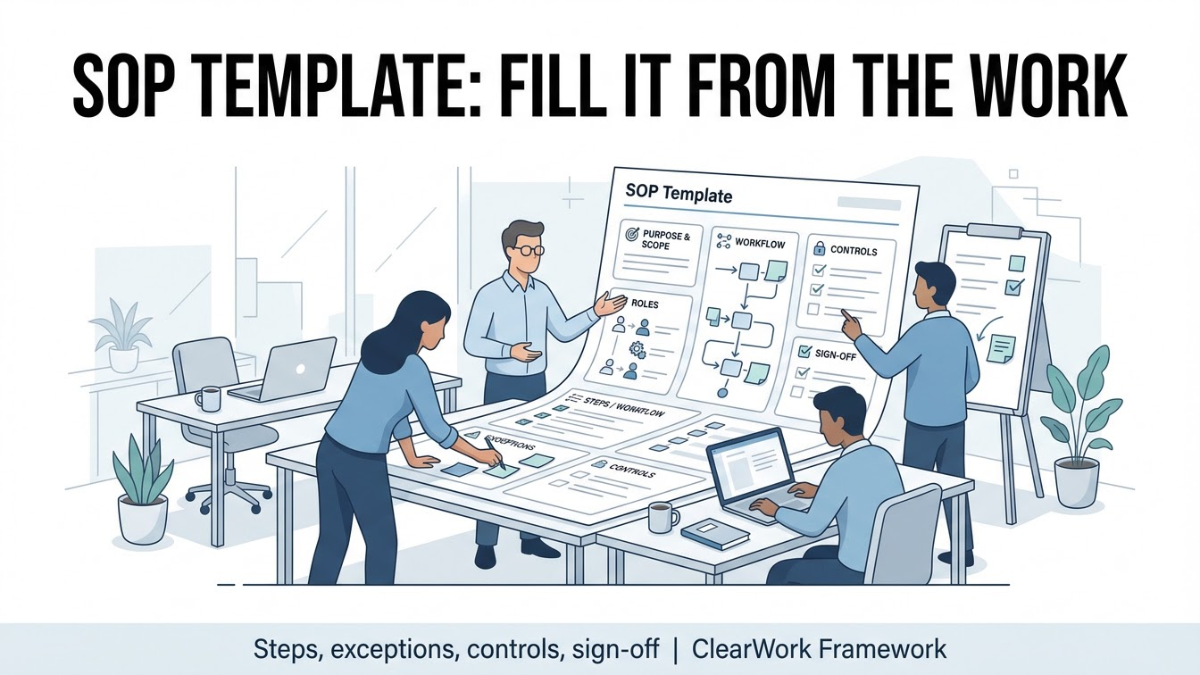
The ClearWork SOP template is a Word document built around the ten sections above. It has three parts:
Download the SOP template (Word). It is free to use and adapt. Every table can be extended, and the section order matches what auditors and implementation teams usually look for first: scope and roles, then steps, then exceptions and controls.
If you are choosing a tool to store and publish SOPs rather than a template, the SOP software guide compares the six main types.
Most SOPs are written by someone who knows the process in outline: a manager, a project lead or a consultant. They capture the steps that should happen. They miss the steps that do happen: the spreadsheet that bridges two systems, the approval that runs by email when the approver is away, the customer who always gets special handling.
The people who do the task every day know those details. The fastest way to get them into the template is to ask each of them directly:
Separate interviews matter. In a workshop, the most senior voice in the room tends to describe the official process and others defer to it. One-to-one, people describe what they actually do.
Questions that fill the template quickly:
The last two questions are not strictly SOP content, but they surface key-person risk and improvement ideas while you have the person's attention. Record them separately so the SOP stays a description of how the work runs today.
Here is a shortened version of the example in the template. The company and names are invented.
Procedure: Vendor invoice exceptions (AP-07). Owner: Accounts payable lead. Scope: From an invoice failing the three-way match in the ERP to its release for payment or return to the vendor. Excludes invoices without a purchase order (AP-05).
Exceptions captured in interviews: the receiving log for one warehouse is a shared spreadsheet, not the ERP, so step 5 depends on one person updating it daily; when the buyer is out, the AP lead approves price differences up to 5% by email, which is not recorded in the ERP. Both became open items for the process owner.
Notice what the interviews added: a spreadsheet the official process never mentioned, an approval limit that exists only in practice and a key-person dependency. A template filled from a manager's memory would have shown six clean steps.
An SOP starts to age the day it is signed. Systems change, people move roles and workarounds appear. Three habits keep the document honest:
SOPs matter most at moments of change: before a new ERP or CRM goes in, during an operating model redesign, or in the first months after an acquisition. Those are also the moments when the people who know the work are busiest or most likely to move on. Capturing the current procedure from them early gives the program a signed-off baseline to design from, instead of a set of documents that describe how work ran several years ago.
The trade-offs between writing SOPs by template and generating them with AI are covered in SOP templates vs. AI SOP generation. The short version: either way, the content has to come from the work.
That is the job ClearWork does. Know exactly how work runs before you change it: ClearWork's AI agent, Clarity, maps every step, exception and system from your people and documents, traced to the source. Clarity runs short interviews, by voice or chat, with everyone who does the work; people can add screen recordings of a task, and ClearWork reads existing documents. The output is an SOP, a process map and requirements that stay linked, so another round of interviews updates them together. Transformation teams use this before a system change (see how it works for operational excellence teams), often as part of a wider current-state assessment.
Book a demo to see an SOP built from interviews, with every line traced to who said it.
A numbered step table works for most operational SOPs: one action per step, with the role, the system and the output. Add a separate exceptions table and a short controls section. Flowcharts help for processes with many decision points, but keep the written steps as the source of truth.
Long enough to cover one procedure, its exceptions and its controls. Most operational SOPs fit in two to five pages. If a document grows past that, it usually covers more than one procedure and should be split at a clear handoff.
The process owner is accountable, but the content should come from the people who perform the task. Interview them, draft from what they say, and have each person confirm the steps they own before the owner signs off.
An SOP describes a procedure end to end: who does what, in which order, with which controls. A work instruction zooms into a single step and shows exactly how to perform it in a system, often with screenshots. Many SOPs link to work instructions for detailed steps.
Set a fixed cycle, often annual, and also review whenever the system, the team or the volume changes. A short check with the people who do the task is the quickest way to find out whether the SOP still matches reality.
A free SOP template in Word, plus how to fill it in from the people who do the work: steps, exceptions, controls and sign-off, with an illustrative example.