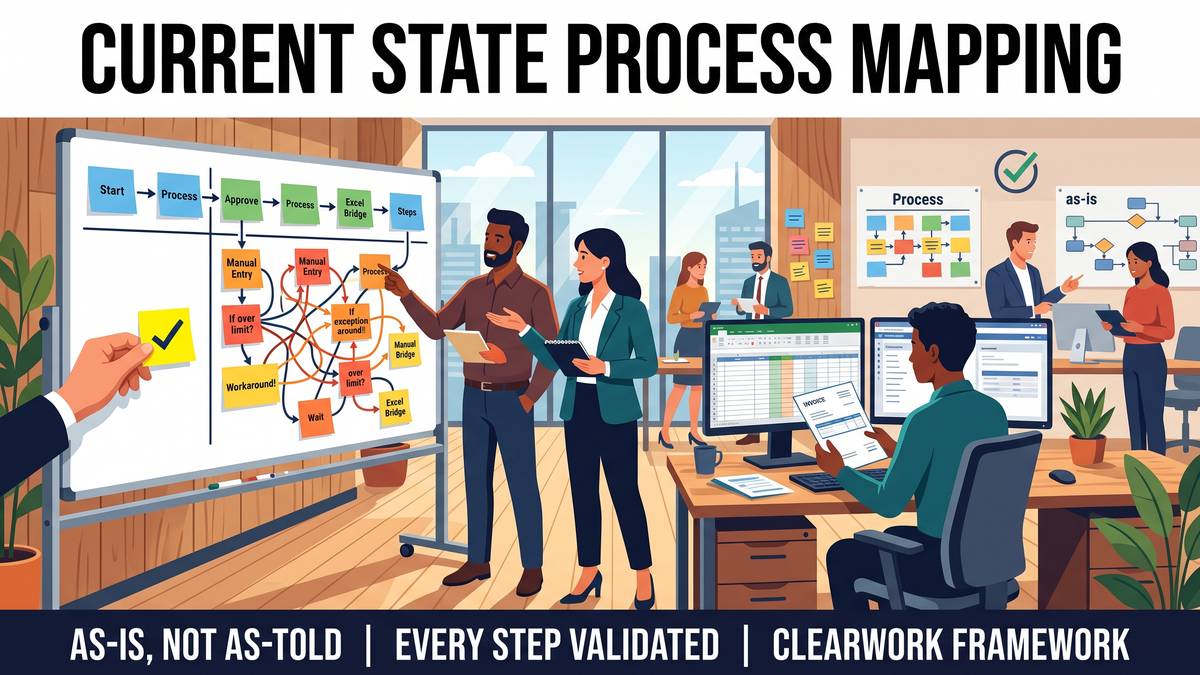
Current-State (As-Is) Process Mapping: How to Map How Work Really Runs
Avery Brooks
October 13, 2026
Current state process mapping (also called as-is process mapping) documents how a process actually runs today: the steps, roles, systems, handoffs, exceptions and workarounds, as the people who do the work describe and confirm them. It is the baseline you measure change against. It is not the documented process, and it is not the process you wish you had.
"Current state" and "as-is" mean the same thing. Some teams say current state in transformation programs and as-is in Lean or BPM work; the method below works for both. If you're still choosing what to draw the map in, our guide to business process mapping tools compares the options. This article is about getting the content right, which is where most as-is maps fail.
The usual failure is quiet. A workshop produces a clean diagram, everyone signs off, and three months into the program the build team discovers the exceptions nobody mentioned: the second approval that only happens over a threshold, the spreadsheet that bridges two systems, the region that does it differently. The map was a picture of the process as told, not the process as run.
People mix these up, and the confusion causes scope arguments later. Each answers a different question.
A gap analysis is only as good as the current state underneath it. We cover that hand-off in moving from current-state analysis to gap analysis.
Write down the trigger (what starts the process), the end state (what "done" means), and what is out of scope. Name the volume you care about: the standard path plus any variant that touches more than a small share of cases or carries risk. Without boundaries, mapping sessions sprawl into neighboring processes and never finish.
For each step you expect, name the role that does it and at least one person in that role. Include the people who rarely make it to workshops: night shift, regional teams, the contractor who handles exceptions, the analyst who keeps the reconciliation spreadsheet. Those are usually where the undocumented steps live.
Use at least two of these, and record which one each step came from:
When two sources disagree, keep both versions and flag the conflict. A disagreement is a finding, not a mistake to smooth over.
A box on a diagram hides the detail you'll need later. Capture every step in a structured record first (the template below), then draw the map from the records. That keeps exceptions, systems and sources attached to the step they belong to.
Draw a one-page overview (five to twelve steps, swimlanes by role) for leadership, and a detailed level for each part of the process that will change. Keep exceptions on the detailed level as explicit branches, not as notes in the margin.
Send each participant the steps they contributed and ask them to confirm, correct or flag what's missing. Record who validated each step and when. A map nobody has confirmed is still a draft, however polished it looks. Skipping validation is one of the common process mapping mistakes that turns into rework during build.
Use one row per step. It works in a spreadsheet, and it is the source the diagram is drawn from.
The "Source", "Conflicts" and "Validated by" columns are the ones most templates leave out, and they are what make the map defensible when someone later says "that's not how we do it".
Illustrative example, not a customer case.
A finance transformation team is replacing its invoice process. The documented SOP has seven steps: receive, enter, match, approve, schedule, pay, archive. The workshop with the AP manager and two team leads confirms those seven.
Interviews with the four AP specialists, the two buyers and one regional coordinator, each asked to walk through the last invoice they touched, add four things the workshop missed:
The as-is map grows from seven steps to fourteen, with three explicit exception branches. Two steps carry open conflicts (who approves variances; whether the month-end workaround is sanctioned) that go to the process owner for a decision before future-state design starts. Each of the fourteen steps has a source and a validation date.
None of those four findings was hidden. They lived with the people who do the work, and the workshop didn't include them.
Map the current state when you're about to change a system, an operating model or a team structure; when you're scoping automation or AI; when audit or compliance needs evidence of how controls run; or when the same process runs differently across sites.
Skip or keep it light when the process is being retired outright; when it runs almost entirely inside one system with good logs and your question is purely about volume and timing (process mining answers that better); or when the change is so small that the people doing it can design it directly.
You need two kinds of tool, and they are often confused. A diagramming or BPM tool draws and stores the map. A discovery method or tool gets the content into it: interviews, document review, walkthroughs, and for system-heavy processes, log data. We compare the two categories in process mapping software vs automated process discovery.
ClearWork is an AI-led discovery platform. Its interviewer, Clarity, runs short asynchronous interviews with the people who actually do the work, then produces current-state process maps, SOPs, BRDs, requirements traceability matrices and user stories. Every step and requirement links back to who said it, and people validate it before it enters the record. In the six steps above, it covers steps 3, 4 and 6: collecting accounts from every role, building the step record with sources and conflicts, and running validation. Maps export to Visio and draw.io, so they can live in the diagramming tool you already use.
ClearWork is the wrong choice if your process runs entirely in one system and you need statistics from its event logs (use process mining), or if you only need a diagramming tool for a map you already know.
None in practice. Both mean the process as it runs today. "As-is" is more common in Lean and BPM work, and "current state" in transformation and ERP programs; the method is the same.
Detailed enough to design the change, and no more. Use a one-page overview for leadership and a detailed level only for the parts of the process that will change. Exceptions that affect a meaningful share of cases or carry risk belong on the detailed map.
The people who do each step, not only their managers. Include remote, regional and part-time roles and anyone who handles exceptions. Managers and process owners validate and resolve conflicts, but they rarely know every workaround.
Until something changes: a system release, a reorganization, a new policy. Record the validation date on each step and re-confirm the steps a change touches, rather than redrawing the whole map.
AI can draft a map from documents, interviews or recordings, but a draft isn't a current state until the people who do the work confirm it. Look for tools that show the source of every step and record who validated it.
Map one real process as it actually runs, with every step traced to the person who described it.
ClearWork's AI agent, Clarity, interviews the people who do the work and turns it into process maps, SOPs and requirements, every line traced to source. Internal teams can start with a pilot on one real process: one process, one week. See how ClearWork works for operational excellence teams, or book a 30-minute call to pick the process.
A six-step method for current-state (as-is) process mapping, with a step-record template and a worked example showing where workshop maps go wrong.
Fourteen days, full access, no card required.
No credit card required.